Overview
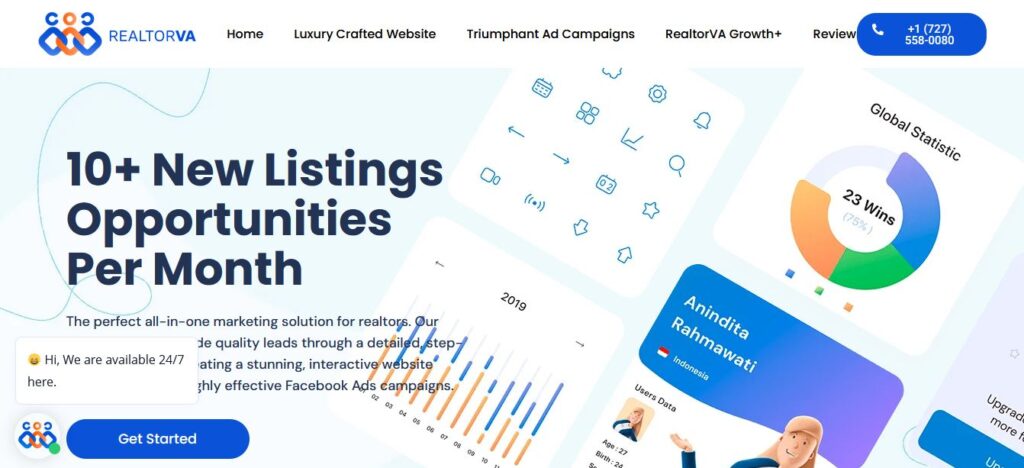
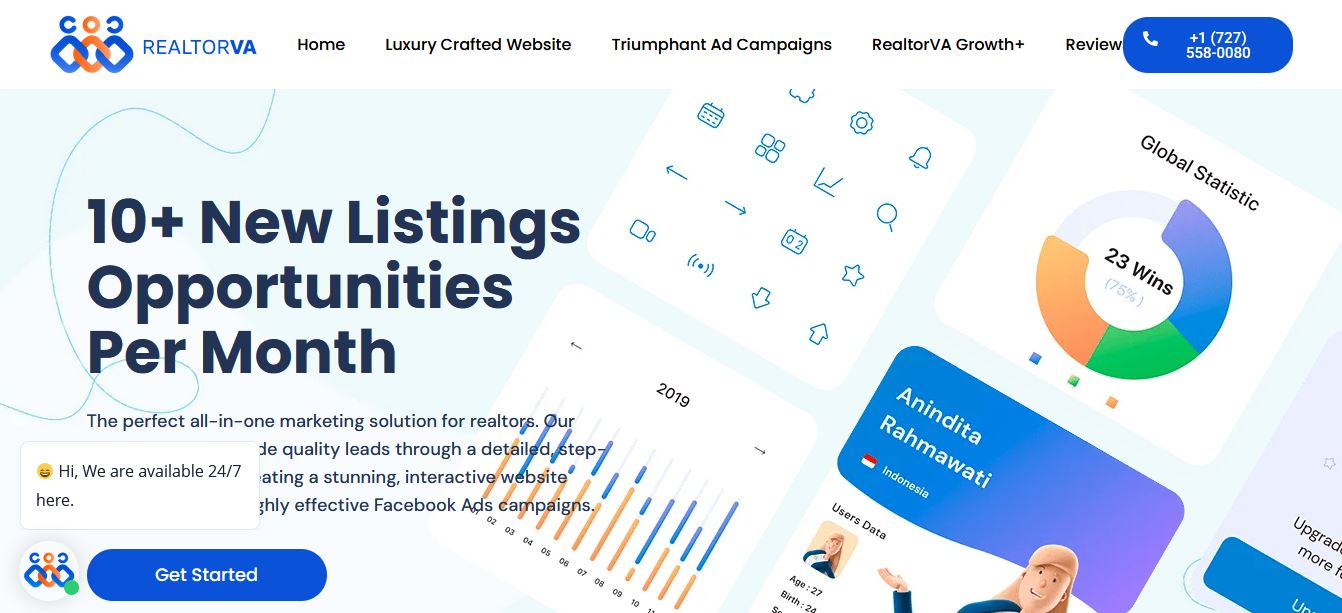
Web design is more than just creating a good-looking website — it’s about crafting a seamless digital experience that connects with users and drives results. A successful website combines strategy, creativity, and functionality to leave a lasting impression.
Research & Strategy
Every great design starts with understanding the client’s business, target audience, and goals. Through research and competitor analysis, I identify what will make the website stand out and effectively engage its users.
Information Architecture
Organizing content in a clear and structured way ensures visitors can easily find what they need. A strong information architecture makes navigation smooth and guides users naturally toward key actions (like contacting, buying, or signing up).
Wireframing & Prototyping
Before moving to the final design, I create wireframes and interactive prototypes. These help visualize the website’s layout, flow, and functionality, making sure every element works logically before investing time in visuals and development.
Visual Design
A website should not only function well but also represent a brand’s personality. I focus on modern, clean, and responsive designs that look great across all devices while maintaining brand consistency.
User Experience (UX) & User Interface (UI)
Good design balances usability and aesthetics. I prioritize easy navigation, fast load times, and an intuitive interface so users enjoy their journey on the website.
Responsive & Performance-Driven
With most users browsing on mobile, I ensure every website is fully responsive and optimized for speed. A site should perform as beautifully as it looks.